
Overview
OrbitForge is a model-agnostic coding copilot with first-class support for Ollama, LM Studio, Anthropic, OpenAI, and OpenAI-compatible endpoints.
Documentation
The docs are designed for two jobs: get a new team productive quickly, and make the public product story match the actual software that ships.
Quickstart
Connect a provider lane or keep the workbench local-first with Ollama or LM Studio.
Define the mission before asking for code so proof requirements and non-goals are visible.
Use the release gate and jury flow for changes that affect multiple surfaces or public copy.
Publish only after the docs, downloads, pricing, and evidence story match the actual build.
Documentation map
Overview
OrbitForge is a model-agnostic coding copilot with first-class support for Ollama, LM Studio, Anthropic, OpenAI, and OpenAI-compatible endpoints.
Gap Analysis
This release closes the biggest gaps we found when comparing Claude Code-style agent workflows with console-first multi-model UIs: local-provider parity, release readiness, product packaging, and editor/browser consistency.
Signature Features
The current public-share build centers on release-safe intelligence: Mission Lock, Proof Gate, Model Jury, Blast Radius Simulator, Release Contract Generator, Release Gate Preflight, Hidden Pain Detector, Session Capsule, Auto-Heal Recovery Lanes, Ops Ledger, and Ship Memo Autowriter.
Revolutionary Problem
OrbitForge is designed to solve silent intent drift and false completion confidence. The workflow locks the real assignment before generation and scores whether the resulting answer is actually evidence-backed.
Mission Lock
Mission Lock freezes the north star, immutable constraints, non-goals, and proof requirements before generation so the workflow cannot quietly drift away from what the human actually asked for.
Proof Gate
Proof Gate checks whether an answer is evidence-backed or merely polished. It lowers trust when output makes completion claims without build, test, validation, or rollout proof.
Release Gate Preflight
Before a run starts, the preflight engine scores readiness, validates credentials and endpoint strategy, flags missing workspace context, recommends jury members, and blocks obviously unsafe release attempts.
Hidden Pain Detector
This layer identifies the contradictions humans usually miss: release work without proof, quick prompts hiding large blast radius, docs drift, missing surface ownership, and auth failures that masquerade as model weakness.
Session Capsule and Auto-Heal
OrbitForge can package the exact run state into a portable capsule and build recovery lanes so the workflow survives surface switches, missing models, auth issues, and compatibility failures with less manual orchestration.
Freshness Sentinel
Freshness Sentinel detects when a request depends on fast-moving SDKs, APIs, or deployment platforms and raises a live-verification requirement before stale guidance becomes code.
Continuity Vault
Continuity Vault keeps automatic local snapshots of the workbench so users can restore a strong run after refreshes, tool changes, or broken checkpoint moments.
Provider Setup
Use native Ollama for localhost 11434, LM Studio for localhost 1234/v1, or any OpenAI-compatible endpoint. Anthropic support uses the native Messages API path.
Hosting
Deploy the public website and workbench on Vercel Hobby with `/` as the project root, then attach `orbitforge.dev` as the canonical domain.
VS Code Extension
Install dependencies at the repo root, run the extension build script, then package with VSCE for distribution. The extension exposes panel, selection, and workspace commands.
Desktop Apps
The Electron desktop client packages for macOS, Windows, and Linux. Use the builder targets for DMG, NSIS, AppImage, ZIP, and tar.gz outputs depending on platform.
CLI
The CLI ships as the `orbitforge` binary and works in Terminal, PowerShell, Command Prompt, or any POSIX shell that supports Node 18+.
Enterprise Rollout
Enterprise teams can standardize provider registries, capture release receipts, and share curated model presets without locking the team to a single vendor.
How OrbitForge works
OrbitForge should be understandable in minutes. These screenshots show the actual hosted product flow, not illustrations.
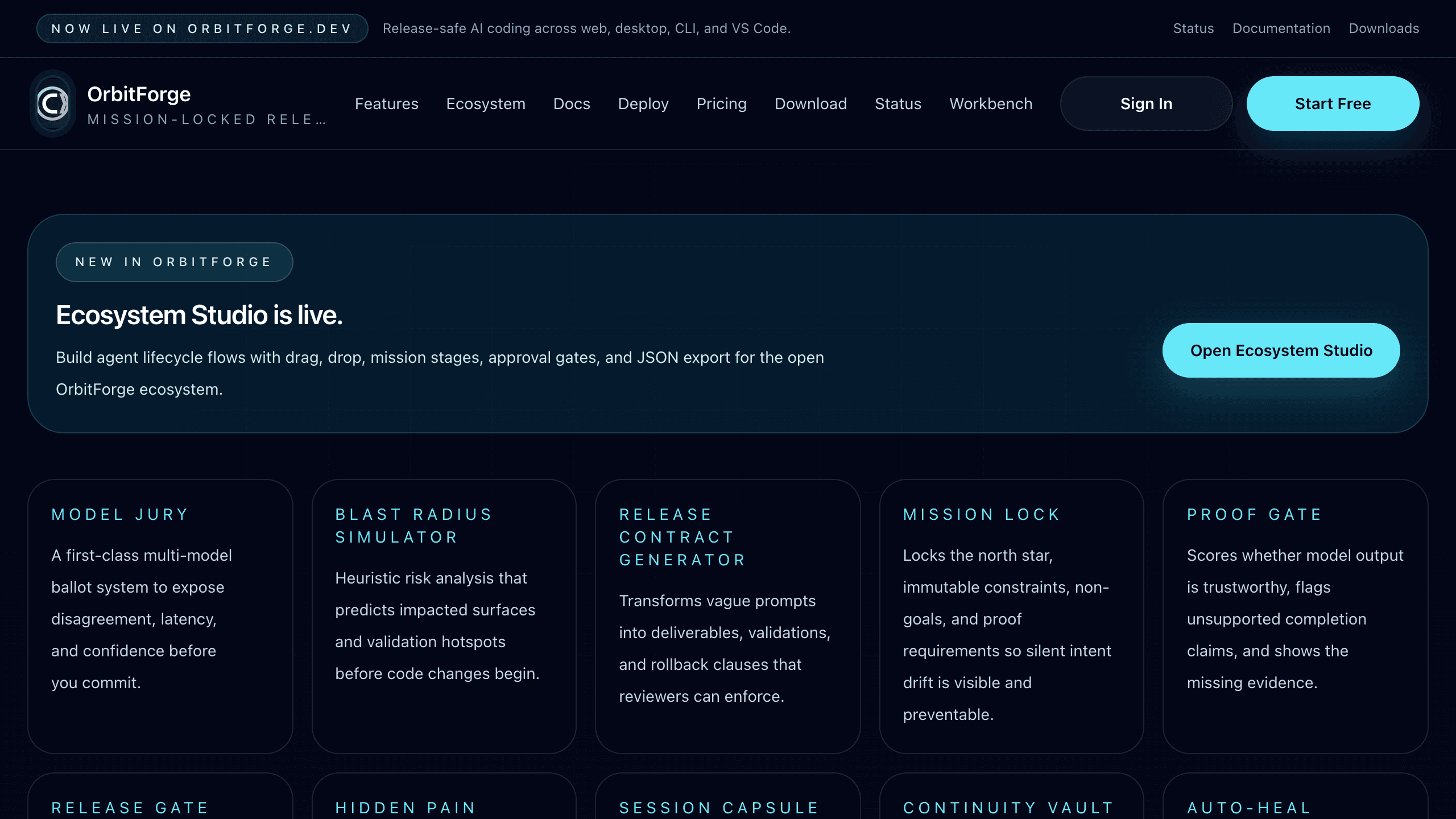
Step 01
Start with the main workbench. Set the provider, model, prompt, and workspace context so OrbitForge can reason from the real assignment instead of guessing.
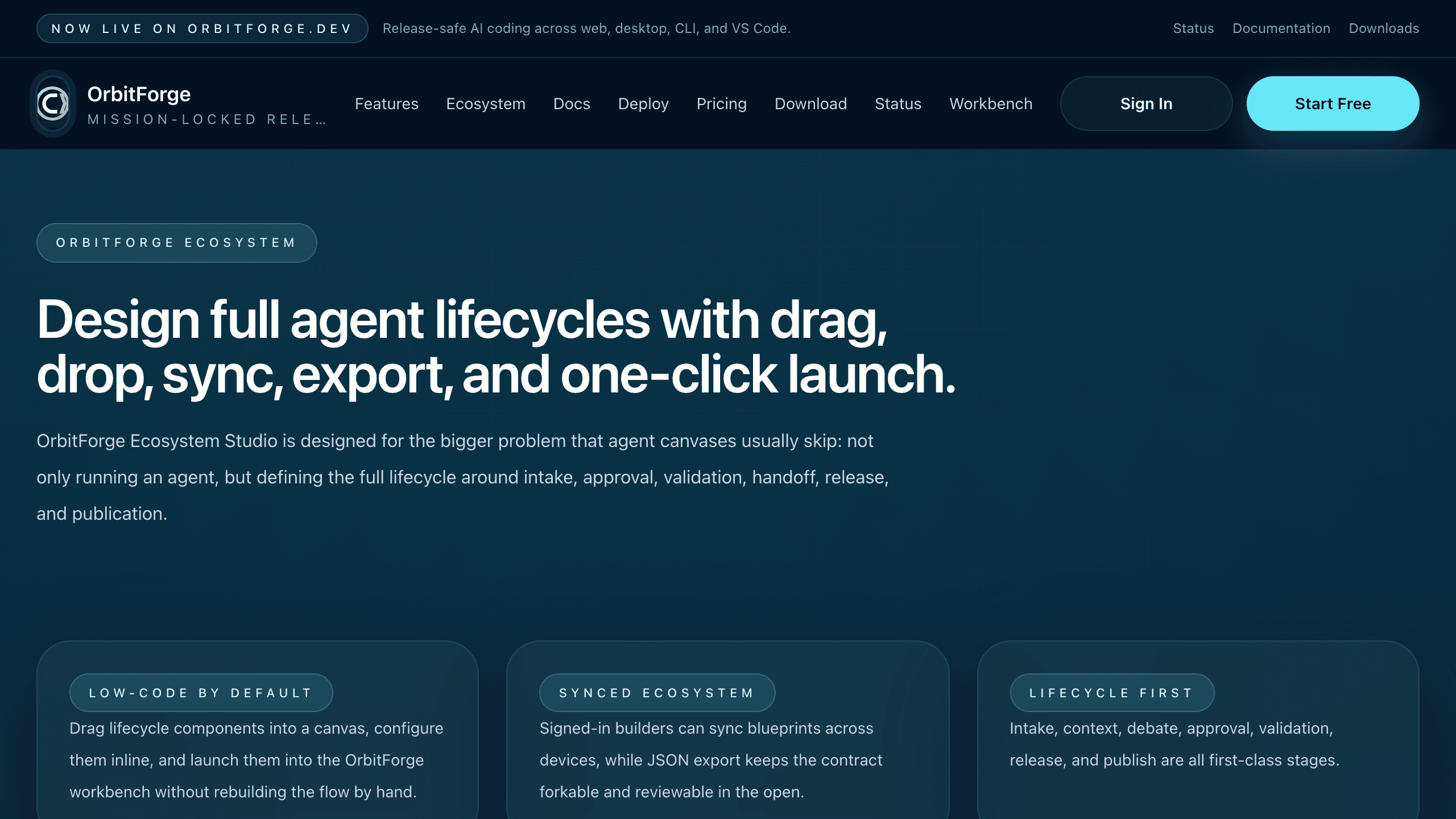
Step 02
Use Ecosystem Studio when the task needs approvals, release gates, or reusable blueprints. Drag the lifecycle together, then launch it into the workbench.
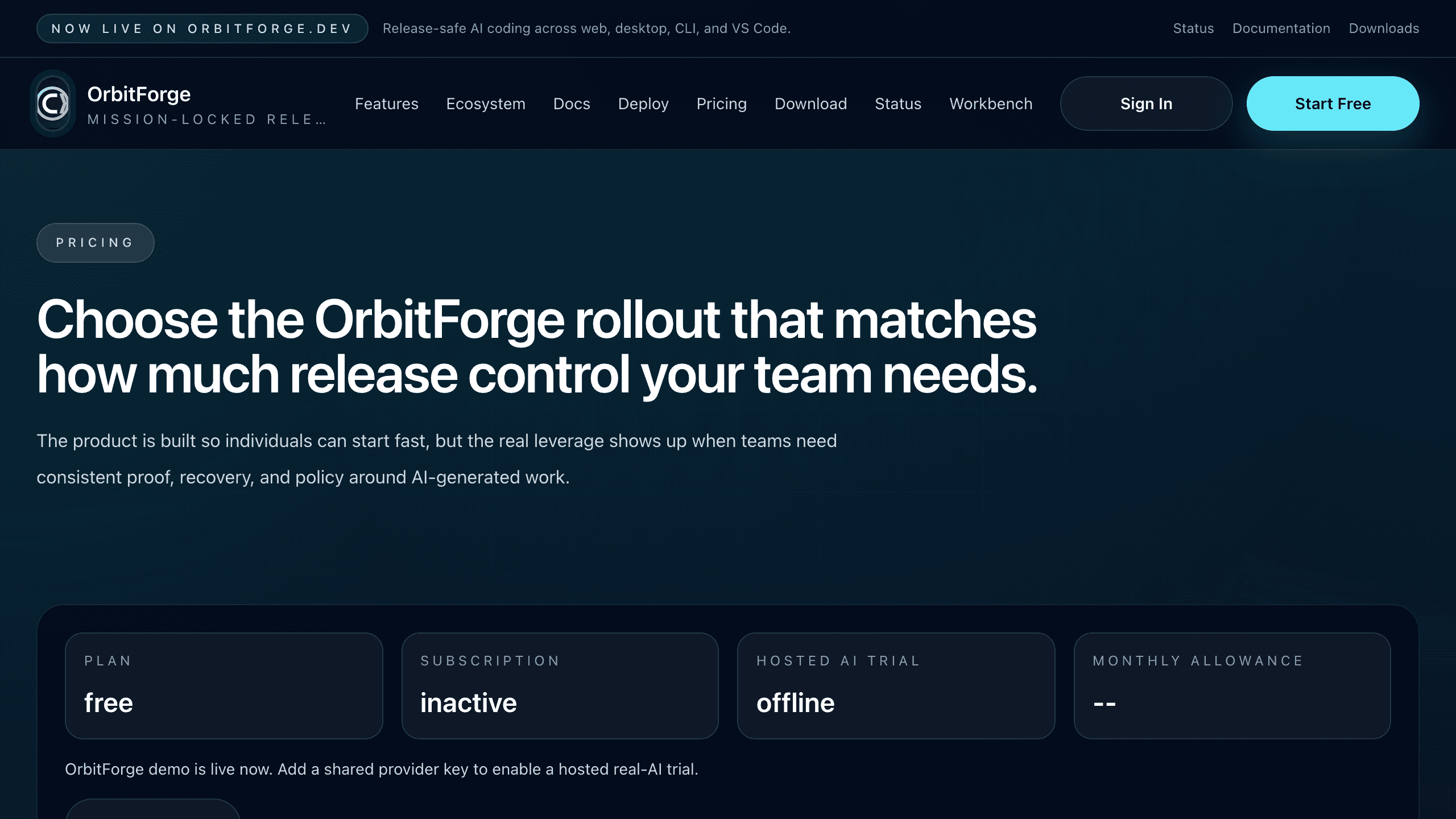
Step 03
The pricing and hosted-trial surface makes it obvious what works in demo mode, what needs your own keys, and when billing is ready for a team rollout.
Deployment environment
OrbitForge is designed to stay useful whether you host only the public website or connect live provider lanes for the workbench as well.
NEXT_PUBLIC_SITE_URL
RequiredCanonical public domain used for metadata, sitemap, and links.
OLLAMA_BASE_URL
OptionalOptional Ollama endpoint for local/private deployments.
LMSTUDIO_BASE_URL
OptionalOptional LM Studio OpenAI-compatible endpoint.
OPENAI_API_KEY
OptionalEnables OpenAI routes for hosted runs.
ANTHROPIC_API_KEY
OptionalEnables Anthropic routes for hosted runs.
OPENROUTER_API_KEY
OptionalEnables OpenRouter brokered model access.
ORBITFORGE_SHARED_PROVIDER
OptionalTurns on the signed-in OrbitForge cloud trial lane when paired with a shared model and key.
ORBITFORGE_SHARED_MODEL
OptionalHosted model used for the low-quota free trial lane.
ORBITFORGE_SHARED_API_KEY
OptionalShared provider key for the hosted trial lane. Store it only on the server.
STRIPE_SECRET_KEY
OptionalEnables server-side checkout, billing sync, and customer portal.
STRIPE_PRICE_PRO_MONTHLY
OptionalStripe Price ID used for OrbitForge Pro monthly checkout.
Release checklist
Public routes
Home, features, docs, deploy, pricing, download, status, and evidence all render without private localhost dependencies.
A public product site should not collapse when it leaves the development laptop.
Health endpoint
The hosted app exposes `/api/health` for uptime checks and deployment validation.
Operations and trust need a machine-readable status signal, not only screenshots.
Release content parity
Pricing, hosted AI trial messaging, downloads, docs, and the README describe the same shipped surfaces and deployment flow.
Public claims need to match reality across every surface a new user sees.
Cross-surface install story
The repo documents web hosting, CLI packaging, desktop targets, and VS Code packaging together.
A product feels unfinished when the installation story changes by surface.
Deployment flow
Step 01
Use a Vercel Hobby project and connect the GitHub repository that contains the public OrbitForge web app.
Step 02
Set the public site URL plus whichever provider keys or base URLs you want enabled in production.
Step 03
Point the apex domain and optional `www` subdomain to Vercel so the hosted marketing site and workbench live on one address.
Step 04
Before announcing the product, validate the key routes, health endpoint, and build pipeline from the same repo state you deploy.